Schedule app blocks
Plan your day once. Apps block themselves during work, study or sleep hours and come back when the window ends.
App blocker for iPhone and iPad
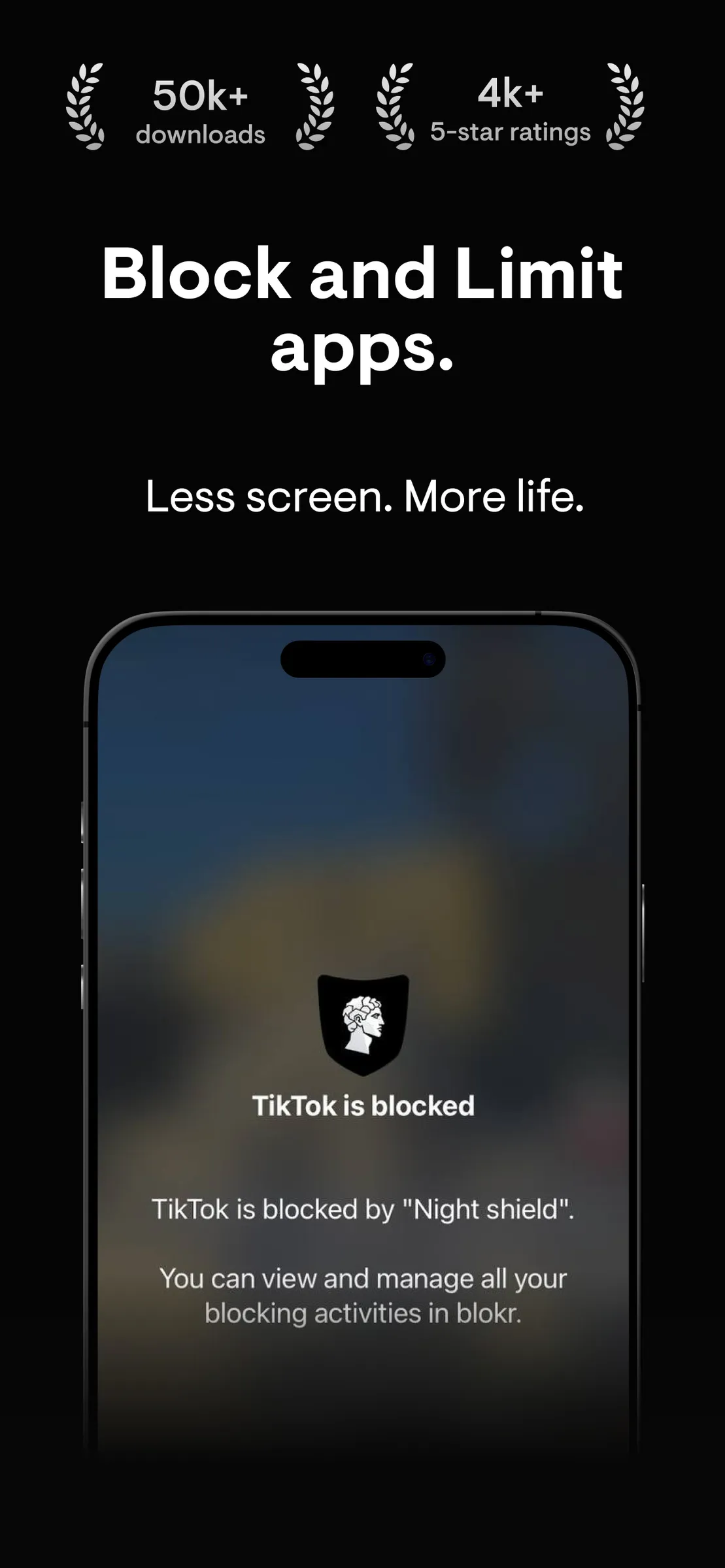
blokr schedules blocks, caps daily use and runs focus sessions you cannot end early. Built on Apple's Screen Time, minus the Ignore Limit button.
Why blokr
Schedules, limits and sessions that hold, in an app that stays out of your way.
Plan your day once. Apps block themselves during work, study or sleep hours and come back when the window ends.
Give social media, games or any app a daily budget. When it runs out, the app stays blocked until tomorrow.
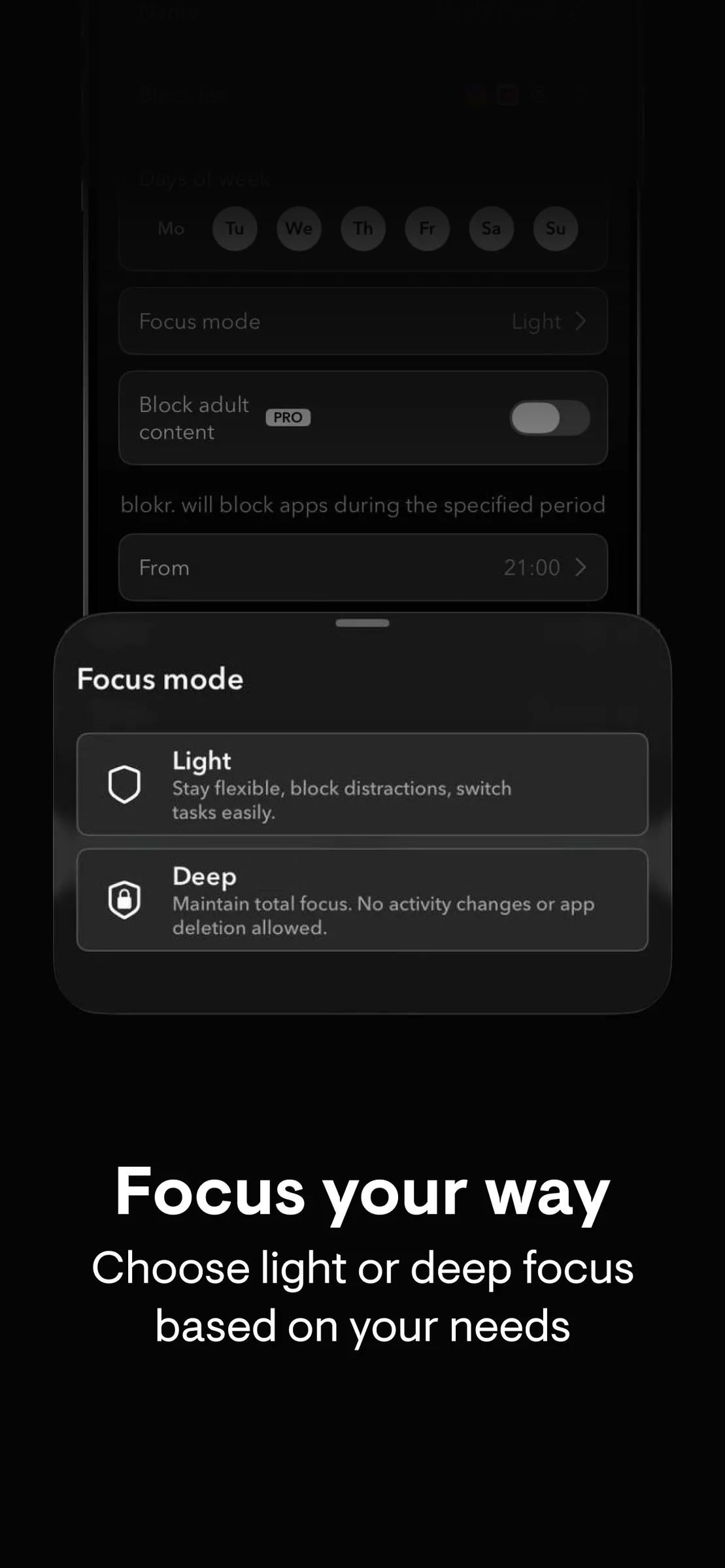
Sessions that cannot be ended early. No Ignore Limit button, no second chances until the timer runs out.
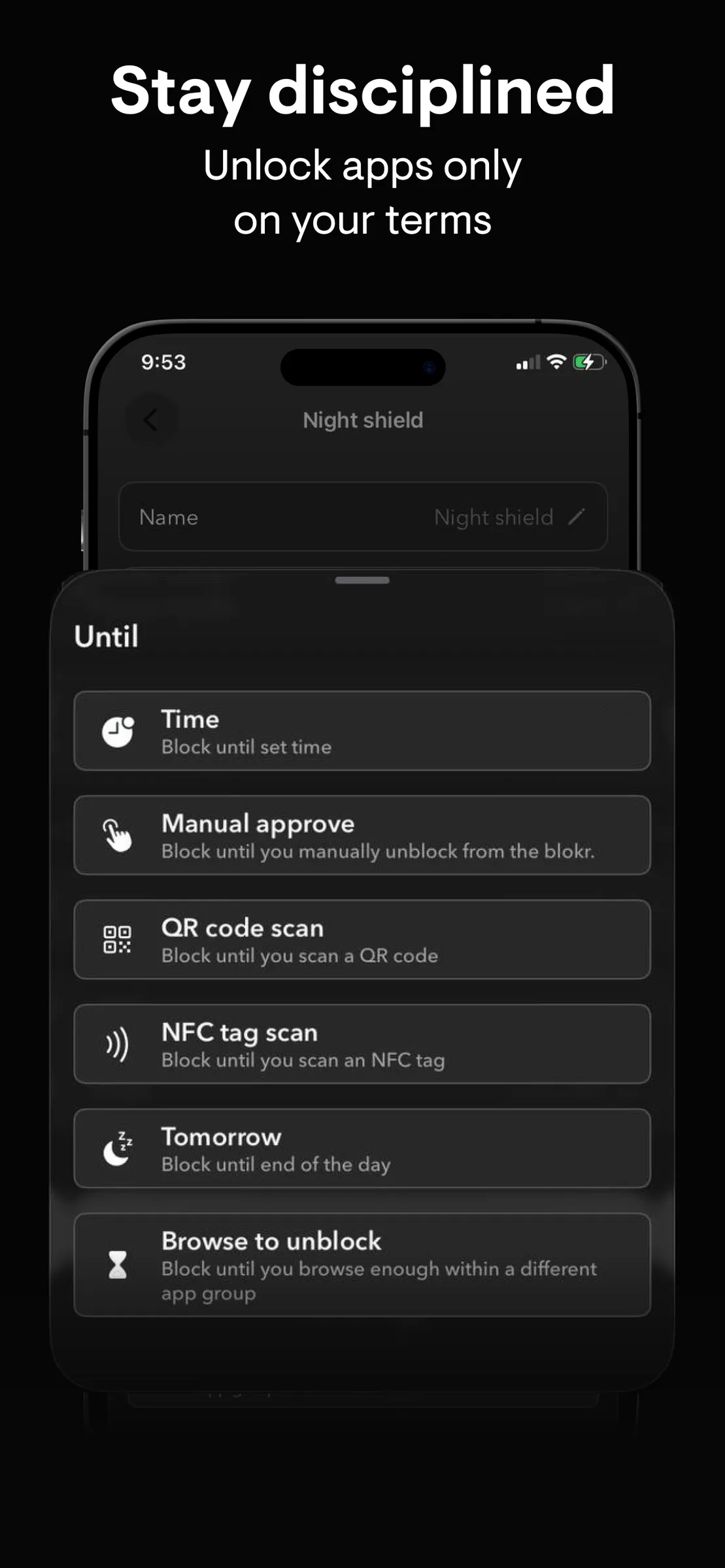
Wait for the timer, unlock manually, scan a QR code or NFC tag, or open approved apps first.
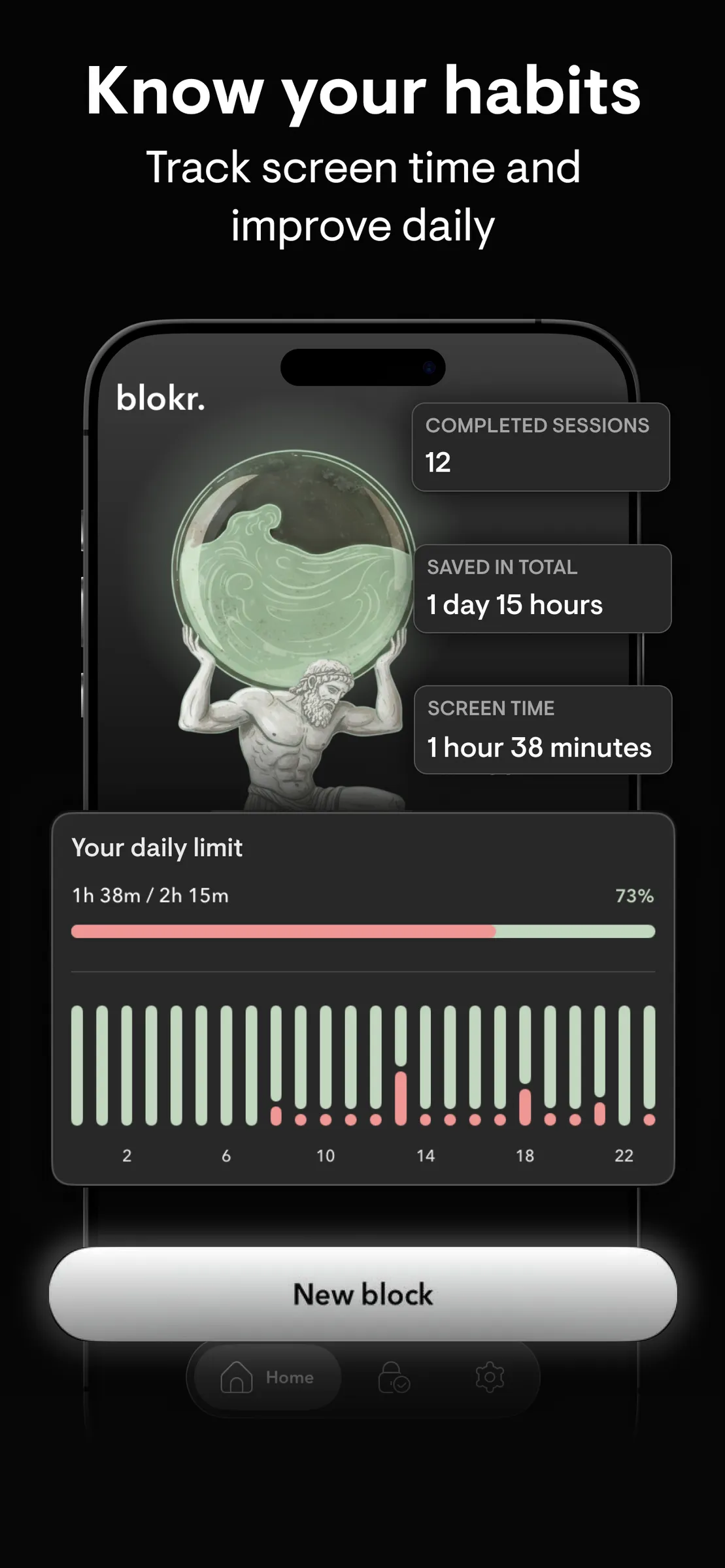
See where your time goes and which apps pull you in. Awareness is the first step.
Safe Content Only keeps your device clean with one toggle, and websites can be blocked alongside apps.
How it works
Single apps, whole categories, or a group you define, like "social" or "games".
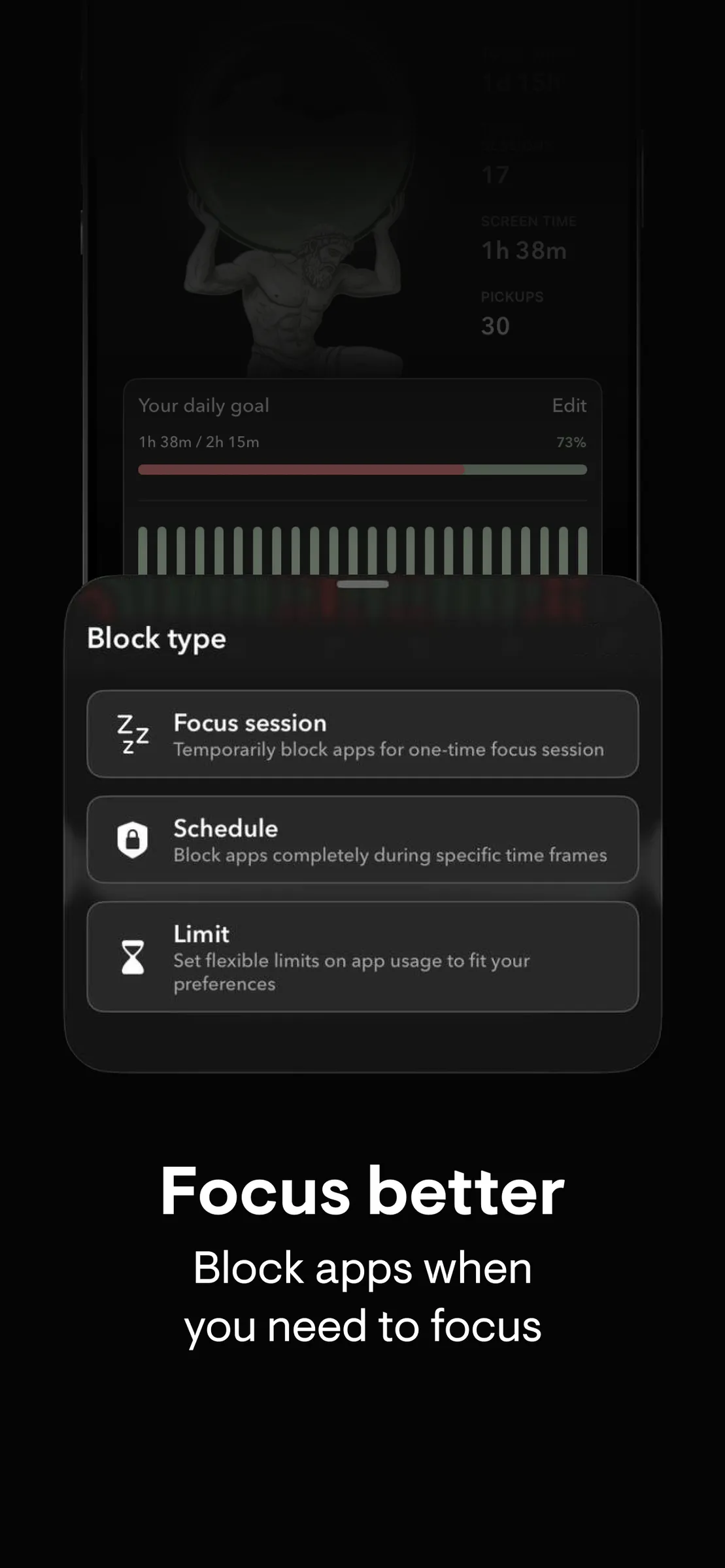
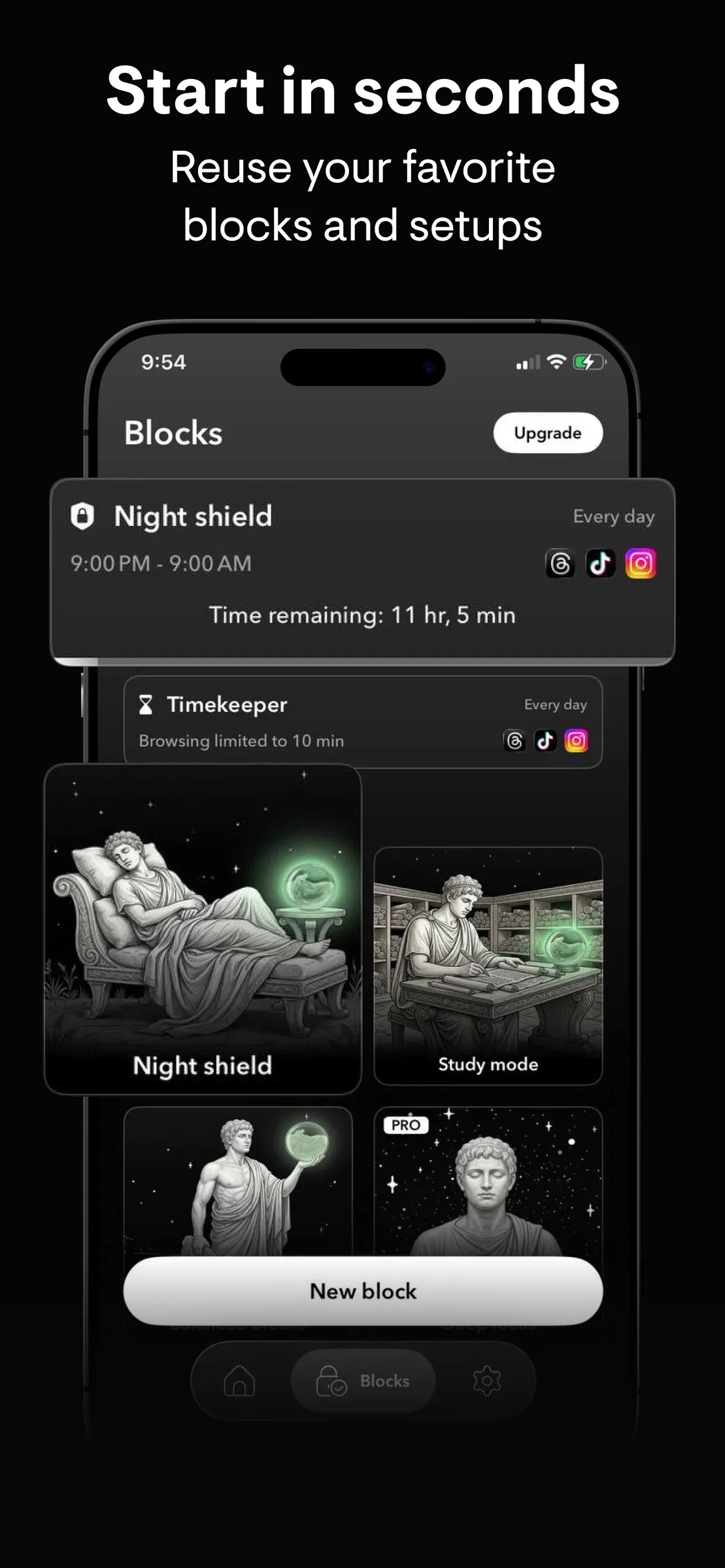
Schedule set hours, cap daily use with a Limit, or start a one-off Focus session. Templates like Study mode and Night shield do it in one tap.
Wait it out, scan a QR code or NFC tag, or use an allow list. Deep focus sessions cannot be skipped at all.
From the App Store
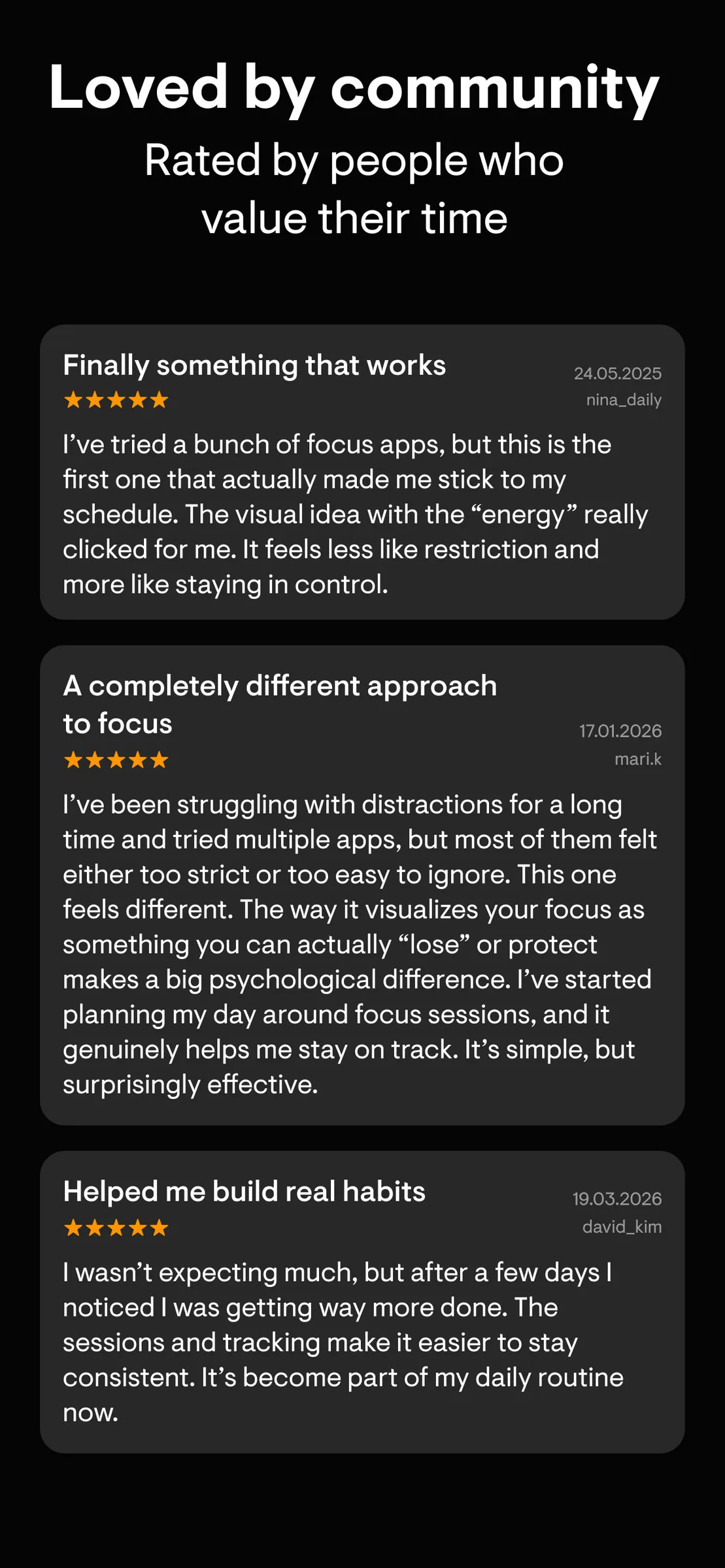
“Scheduling makes it effortless. I love that I can plan my blocks ahead of time. I set "no distractions" periods for mornings and study sessions, and I don't have to think about it again. It runs quietly in the background and just does its job.”
“Beautiful design, no fluff. The interface is clean and minimal, it actually makes me want to use it. I appreciate how it doesn't try to "motivate" me with streaks or points. Just quiet focus, done right.”
“Clean, simple, and actually works. Setup was super fast, I blocked all my social apps in less than a minute. The app feels light and intuitive, no clutter or weird steps. It's one of the few productivity apps I've kept on my phone longer than a week.”
FAQ
Yes. blokr blocks apps on iPhone and iPad on a schedule, after a daily limit, or for a one-off focus session. It uses Apple's Screen Time framework, so a blocked app really is blocked, not just hidden.
Pick the apps, choose a block type (Schedule, Limit or Focus session) and you are done. Templates like Study mode, Night shield and Balanced breaks set everything up in one tap.
Yes. Give any app or app group a daily limit. When it runs out the app stays blocked until tomorrow, or until you unlock it the way you chose: wait, scan a QR code or NFC tag, or open an approved app first.
Yes. Safe Content Only keeps adult content out with one toggle, and you can block websites as well as apps.
blokr is free to download and use with a limited number of blocks. Pro adds unlimited blocks and schedules, Deep focus mode, allow lists and Safe Content Only, with a free trial before you pay.
The blokr app is available in English, German, French, Italian and Spanish. On other languages it runs in English, and every guide on this site explains the steps with the in-app names.
Block the apps that eat your day. Free to start.
Download on the App StoreFree to start. Your screen data stays on your phone.